Keep asking about the page
Chat with AI using the current page as context. Configure providers and models as needed, and check AI replies against their sources.
Explore this featureInling · AI Browser
Swipe between tabs, focus in reading mode and ask AI about the page. Make the browser your own with appearance settings, scripts and model services.
HarmonyOS, iOS and Android betas are open. Choose your device to install. · Installation guides
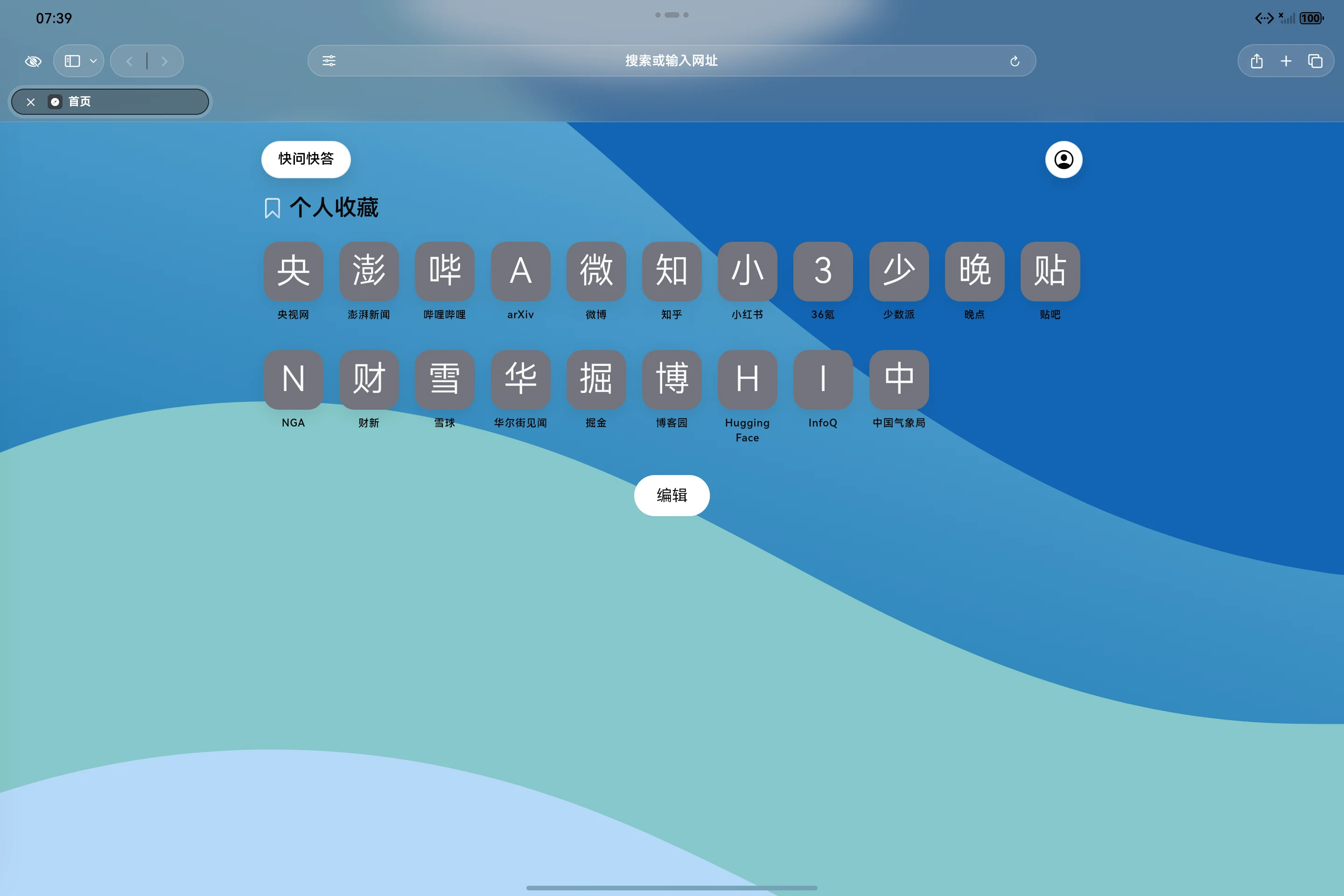
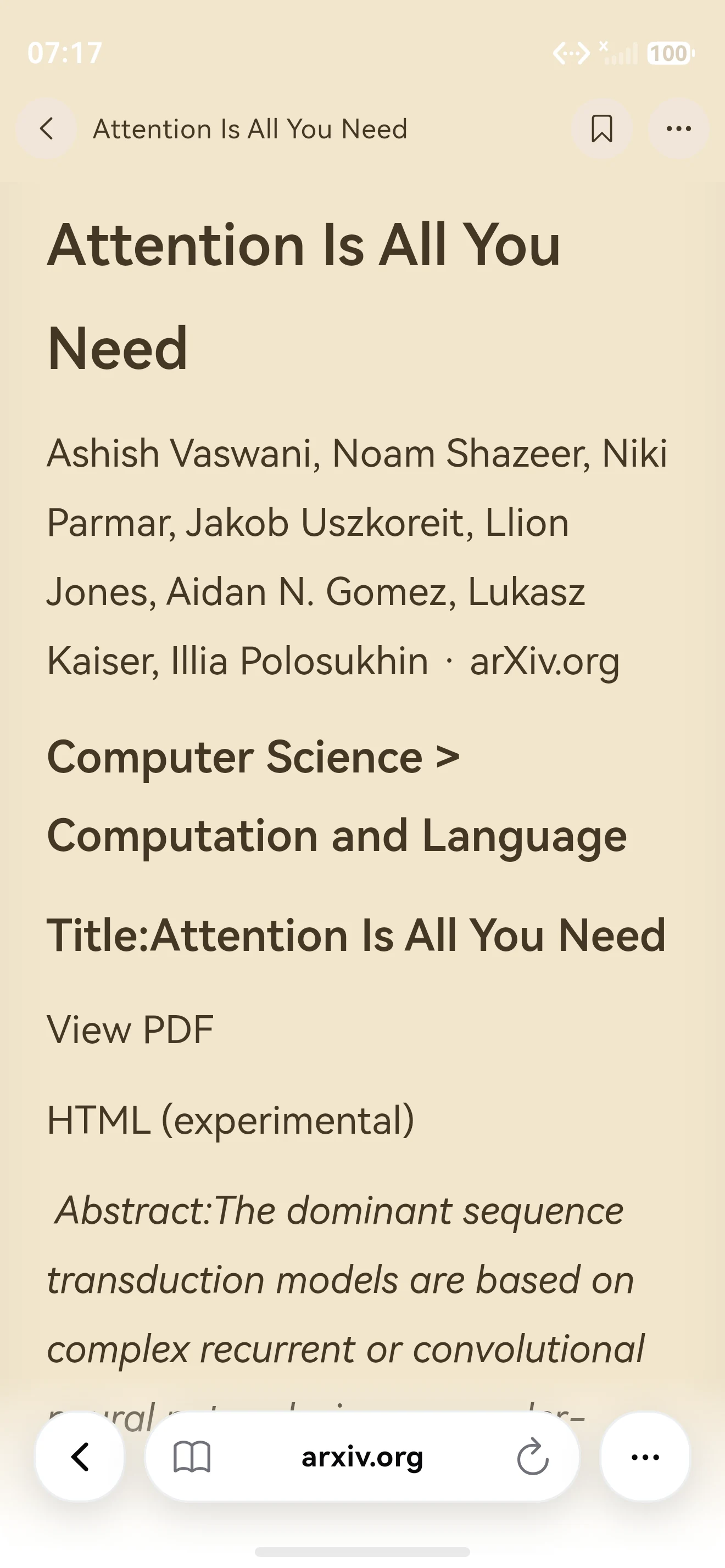
With Inling, focus on reading, ask AI about the page, make it your own and move between tabs as your curiosity takes you further.
EVERYDAY USE
Read, ask and save what is in front of you, with a natural next step.
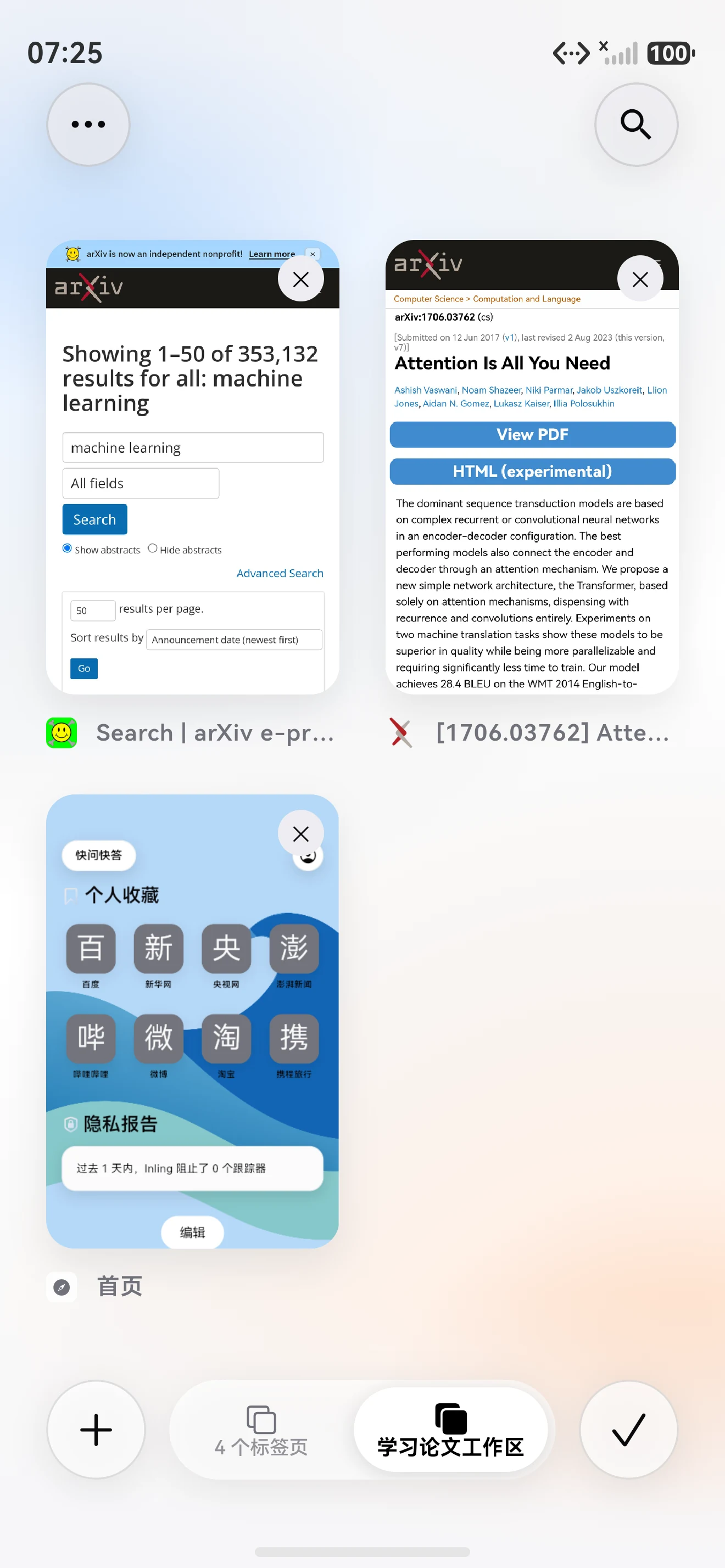
Reader mode guideSwipe between tabs or open the overview to find the page you were reading.
Put the article first and read longer pieces in a format that suits you.
Continue with questions about the page and configure your own model service. Cloud AI needs a connection; check the provider and costs before use.
Organize pages in bookmark folders. Bookmarks do not currently generate learning paths, quizzes or flashcards automatically.
CURRENT FEATURES
Reading, AI chat and customization tools for everyday browsing.
Swipe up to the card overview and switch between open pages. Widescreen devices also offer an adapted tab bar and sidebar.
Chat with AI using the current page as context. Configure providers and models as needed, and check AI replies against their sources.
Explore this featureAdapt webpages with scripts and extensions. Support varies by platform; some extension APIs are limited by the iOS browser engine.
Explore this featureCustomize the theme and start page, or turn off all AI features while continuing to use the browser, scripts and extensions.
Explore this featurePRIVACY & CONTROL
Local storage, cloud sync and cloud AI handle data differently. Understand each before you use it.
Bookmarks and history are stored on your device and can be searched offline. Opening pages that are not cached needs a connection.
When cloud sync is enabled, synced content is encrypted on your device before upload. Cloud AI sends relevant questions and page context to your selected provider for processing.
Disable AI in settings when you do not need it. Existing conversations and model configurations are kept for when you enable it again.
What you can use today, followed by the direction we are developing.
Betas are open on HarmonyOS, iOS and Android. We continue improving browsing, reading, AI chat and customization; capabilities may differ by platform.
Knowledge organization, learning paths, practice and review around saved sources are in development. These features are not yet available in the current beta.
Here are the answers to some of the questions we get asked most. If you have any other questions, just drop us a line.
Not yet. Knowledge organization, learning paths, lectures, quizzes, flashcards and review are still in development and are not available in the current beta. You can try the browser and currently available AI browsing assistance.
Configure your own provider and model. API costs and quotas depend on that provider and account. Other AI services, subscriptions and quotas are subject to what the current app offers.
You can view bookmarks and history stored on your device. Whether a webpage opens depends on its cached content. New pages and cloud AI need a connection. On-device offline AI is not yet available.
Betas are open on HarmonyOS, iOS (iPhone and iPad) and Android. Choose your device to install directly. Features vary by platform; some extension APIs are unavailable due to iOS browser engine limits.
Cloud sync encrypts synced content on your device before upload. Cloud AI sends the questions and page context needed for a request to your selected provider. That processing is separate from end-to-end encrypted sync. See the privacy policy on this site.
Yes. Turning off all AI features hides AI entry points, stops active conversations and blocks further AI requests. The browser, scripts and extensions remain available. Existing conversations and model configurations are kept.